

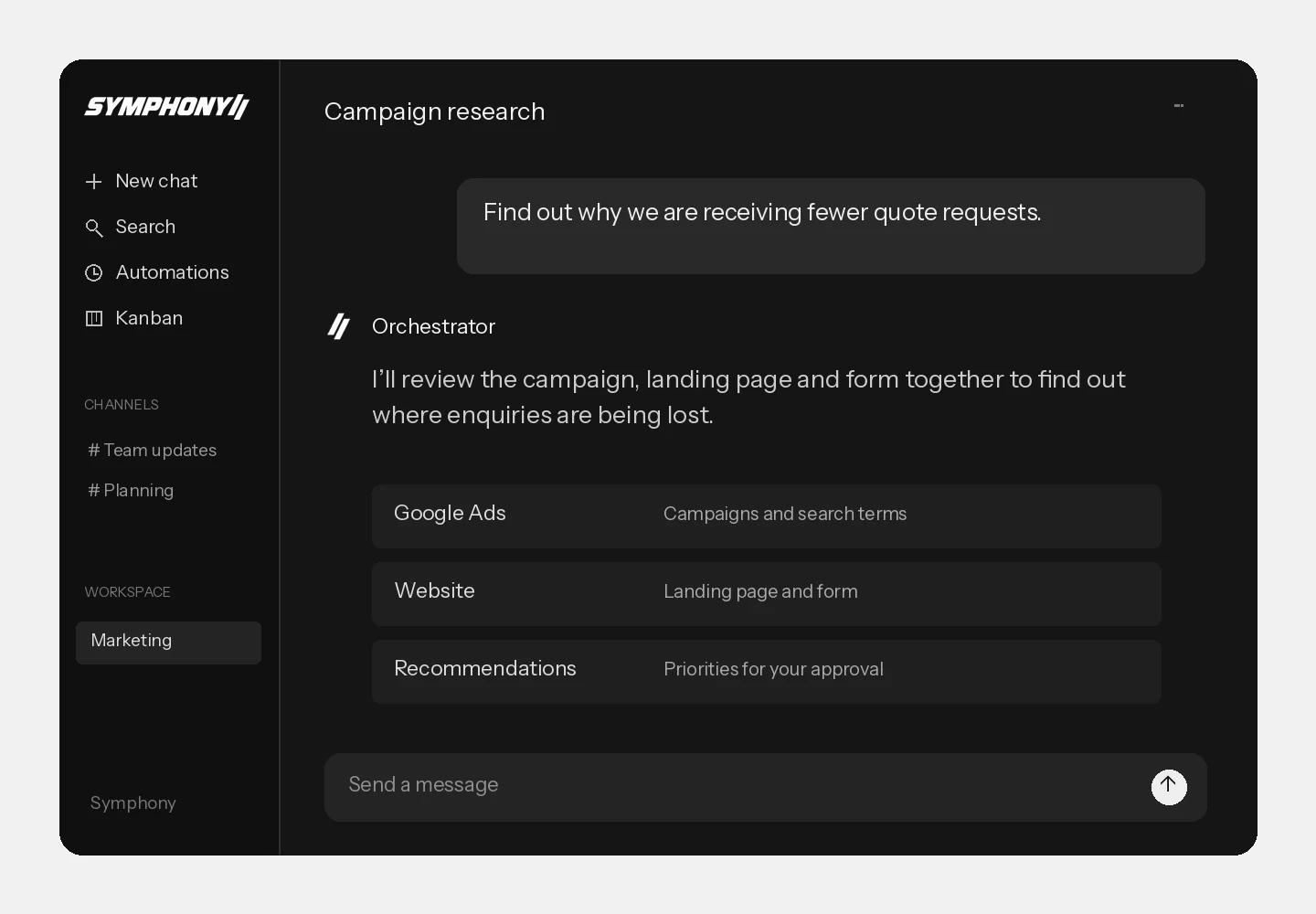
Analyse what’s happening.
Have your agents review campaigns, gather information and investigate what drives your results. Get a considered answer, not another dashboard to work through yourself.
AI specialists for your business
Put a team of AI specialists to work for your business. Your Orchestrator coordinates the team, keeps work on track and keeps you informed.
One connected team of AI specialists
Your conversations, tasks, business knowledge and systems come together in Symphony. Tell your Orchestrator what you want to achieve. It puts the right specialists to work.
Have your agents review campaigns, gather information and investigate what drives your results. Get a considered answer, not another dashboard to work through yourself.
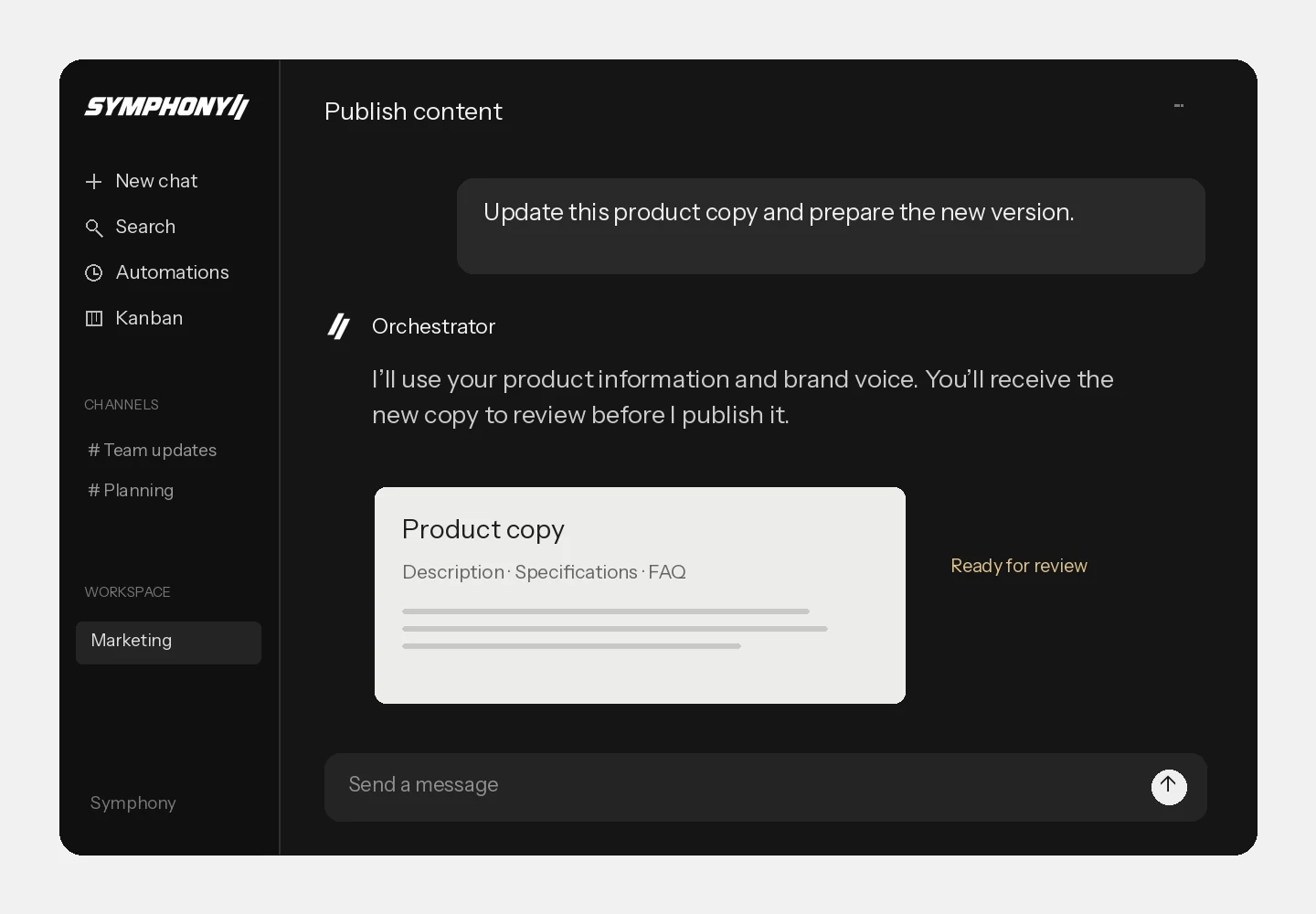
Write content, update pages and follow up with customers. Your Orchestrator assigns the work and tells you what has been done and where your decision is needed.
Put your team to work
One assignment. All the work behind it.
Selling a product takes more than a great photo. Give your Orchestrator the product information and buyer’s request. Your team prepares the details, quote and follow-up.

Your assignmentPrepare a wholesale offer for this hoodie. Use our agreed prices and delivery terms, and draft the email to the buyer. Let me review everything before you send anything.

Assigns the work and checks the outcome.
Materials, sizes, colours and available stock, brought together.
Quantities, prices and lead times based on your customer’s agreed terms.
A covering email with the offer and a clear next step.
Your team brings the work back to you. Feedback goes to the right specialist.
Your webshop is part of your everyday work. Symphony brings product information, customer questions and commercial assignments together with the team that acts on them.













and more
Work with your webshop, analytics, documents and communication from Symphony. Your Orchestrator uses the connected systems to retrieve information and carry out assignments.
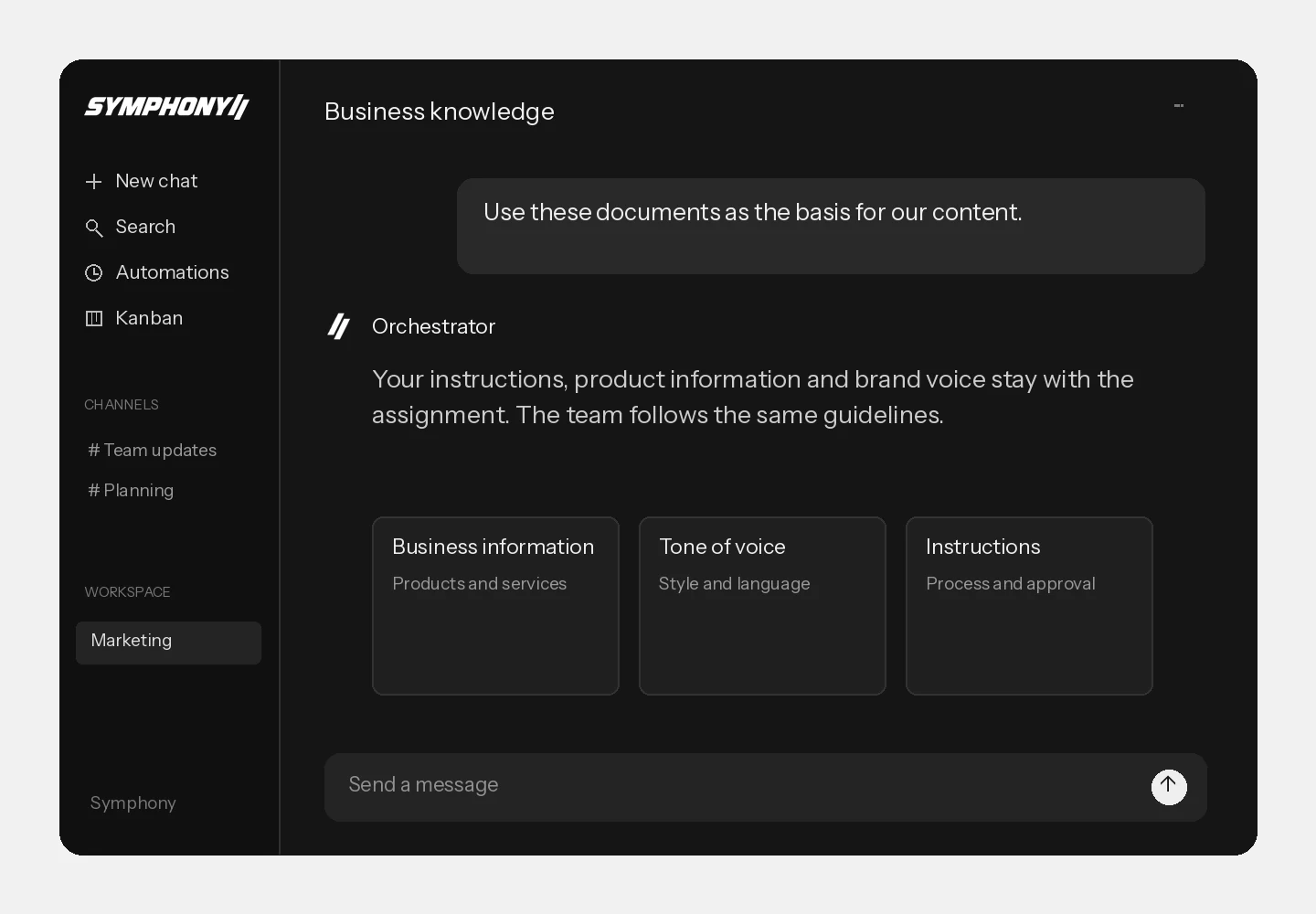
Your instructions, product information and agreements form your team’s memory. Add documents and give direction in the conversation. That knowledge follows the assignment.
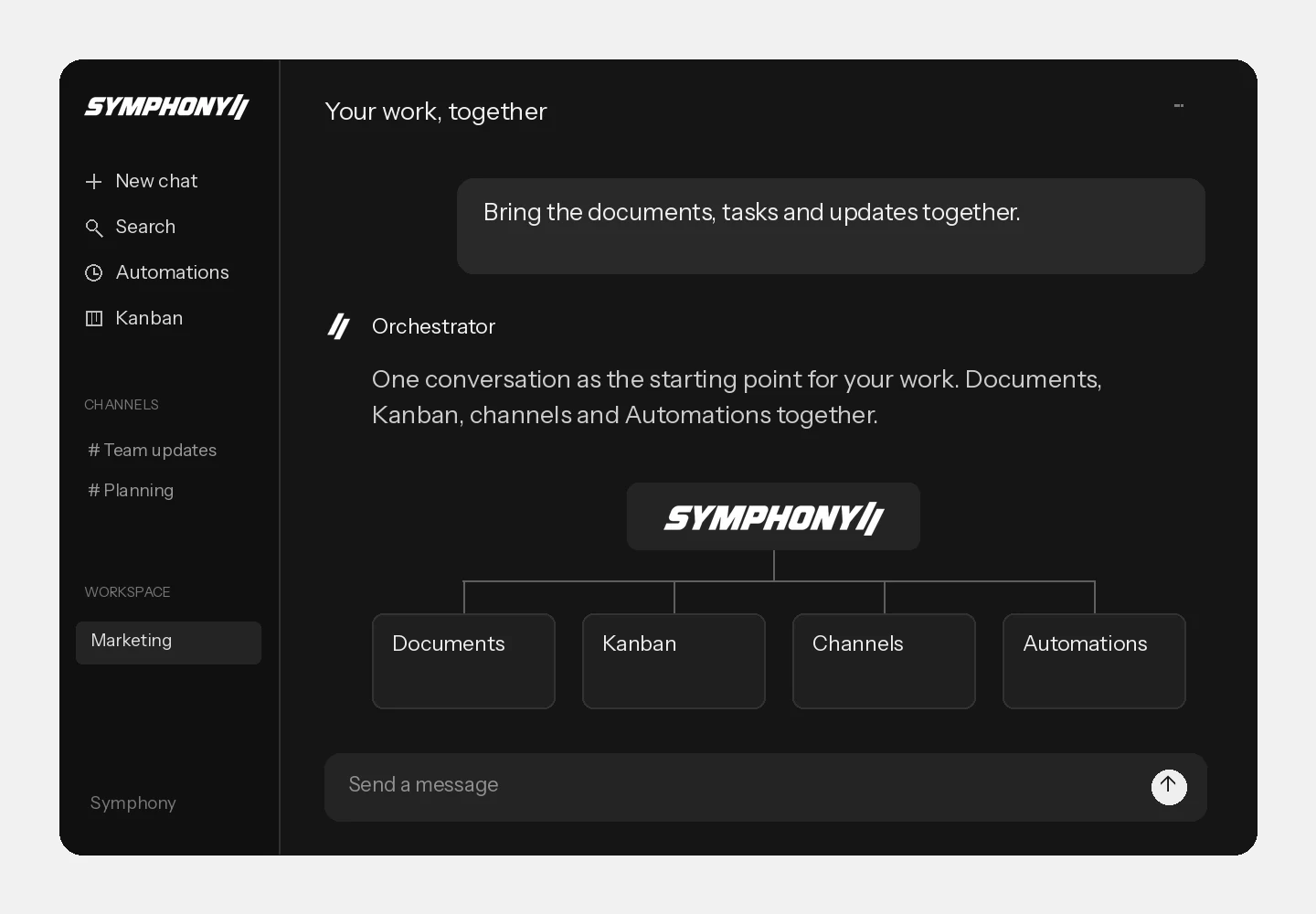
Conversations, Kanban, channels and Automations together. Review your team’s work, give feedback and pick up an assignment where you left off.
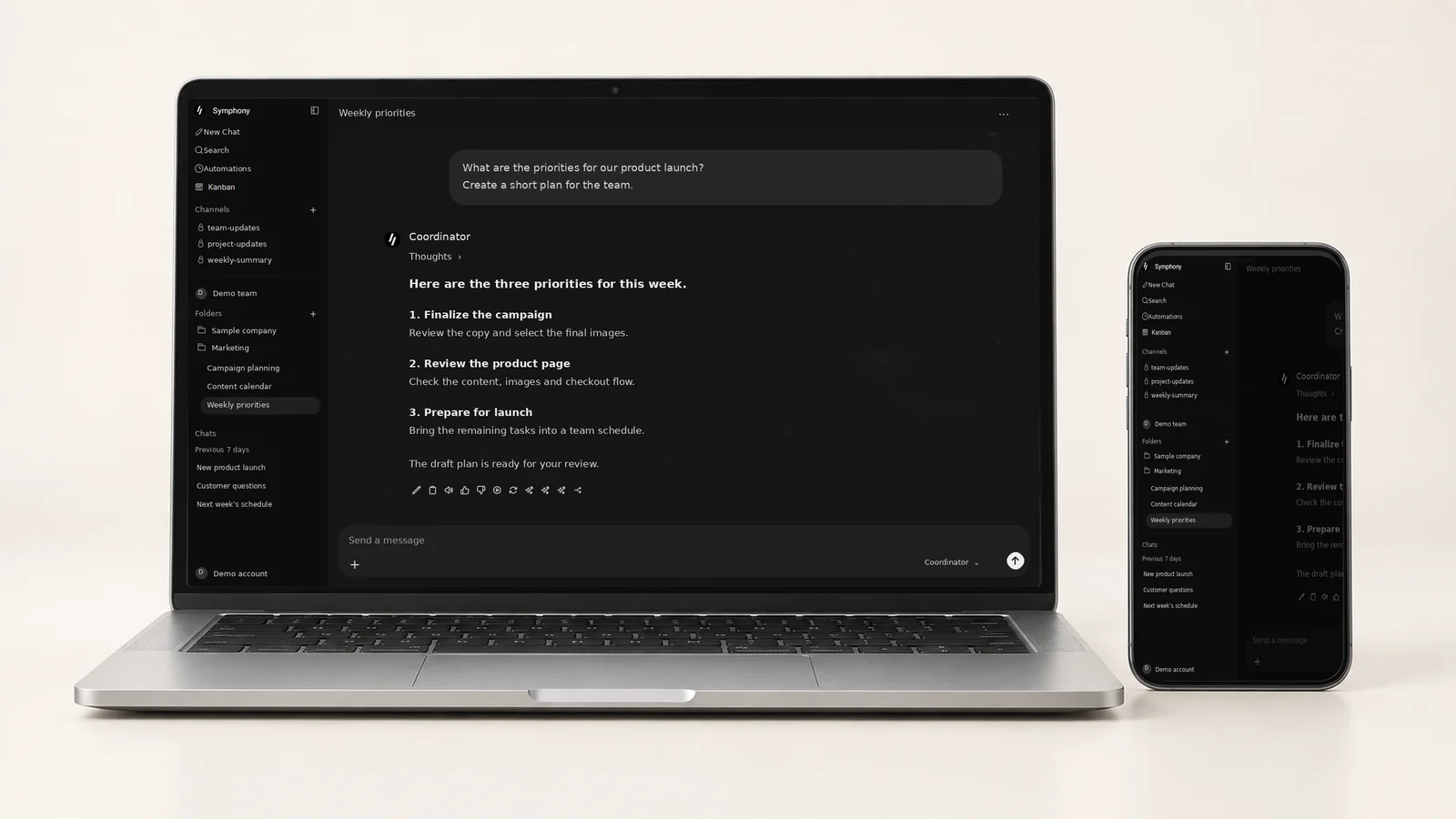
Read conversations and follow assignments on your laptop or phone. Your team and business knowledge go with you.
Your agents work with the systems and information you make available.
You decide which actions can run independently and which need your approval.
Follow assignments, progress and the work your team delivers.
Getting started
I set up Symphony around the work your business does. We start with the tasks that need attention now and build from there.
We discuss your work, choose the first tasks and make the costs clear.
I put your team together, add business knowledge and connect your systems.
We test the tasks, review the results and refine how the team works.
You give Symphony assignments, not just questions. Your Orchestrator distributes work to specialists, checks the results and follows up on tasks.
Yes. We define permissions beforehand. You decide which work can happen independently and which actions need approval first.
I configure the connections and access permissions for the systems your team uses. This is part of setting up your Symphony workspace.
You receive a proposal for setup, management and AI usage before we start. Costs reflect your team, assignments and integrations.
No. You know your business. I set up the system, test it with you and remain your point of contact.
Symphony for your business
Tell Roy what you want to tackle. Together, we’ll decide where your AI team starts.